
一键填写页面
按填充此页。该扩展程序匹配名称、标签和占位符,然后按照人们的方式键入值,以便网站接受它们。
保存一次配置文件。 Autofill Forms 填充打开的页面:姓名、电子邮件、电话、地址以及您添加的额外字段。
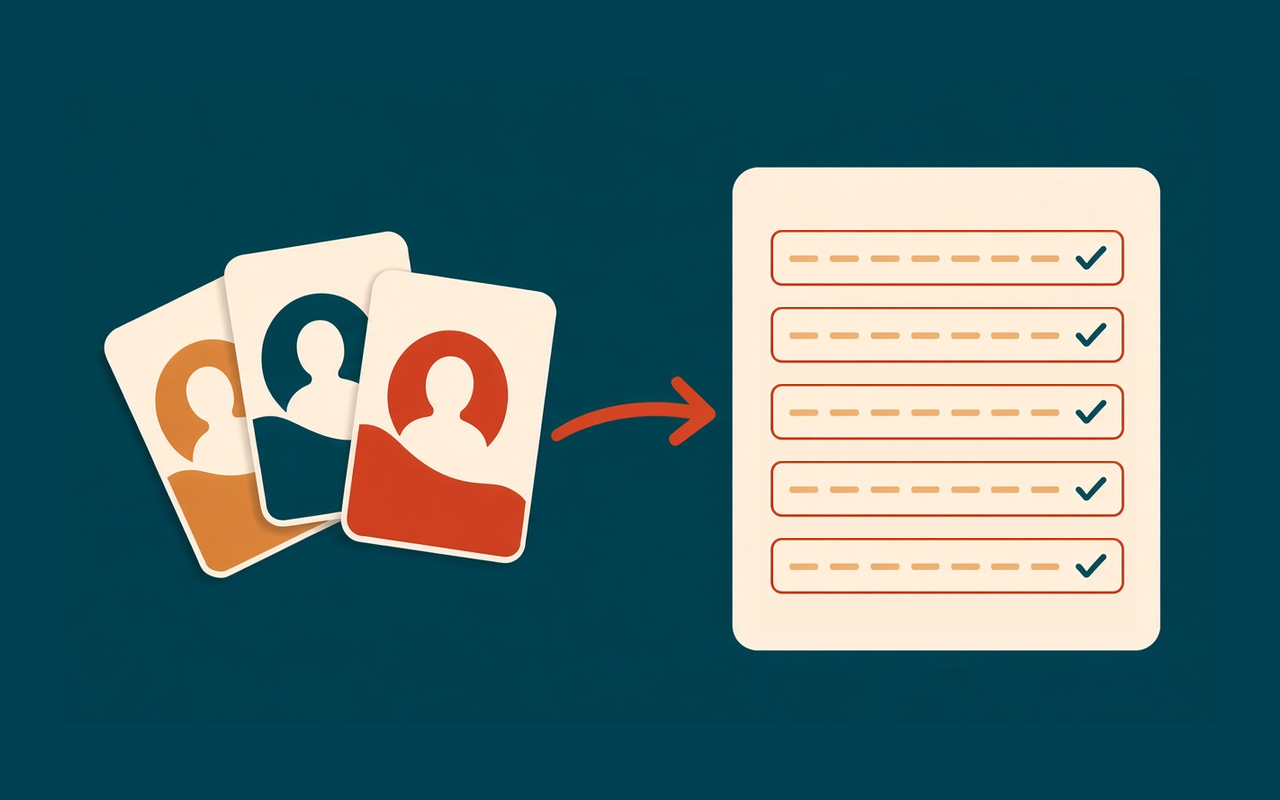
配置文件,然后一键点击
按填充此页。该扩展程序匹配名称、标签和占位符,然后按照人们的方式键入值,以便网站接受它们。
将家庭、工作和客户详细信息分开。当其中两个共享大部分相同字段时,复制配置文件。
添加内置列表没有的字段。如果网站使用奇怪的标签,请附加关键字,以便价值胜过猜测。
手工填写一份长表格?从页面保存会将这些值复制到选定的配置文件中,或在您键入后保留它们。
Ctrl+Shift+U 填充当前页面。 The right-click menu can fill the page or insert one field.
配置文件位于此浏览器的 Chrome 存储中。 Filling a page does not upload the form or your details.
设计简单
A Chrome extension for people who type the same contact details into sign-ups, checkouts, and applications.配置文件保留在浏览器中。
Chrome Web Store
“我为每个客户保留一份个人资料。结账不再是复制粘贴的工作。”
“The long application still needs a look, but the name and address are already there.”
“A date token gives each sign-up a different value without editing the profile.”
“Save from page grabbed what I had just typed, so the next ticket starts full.”
三个快速步骤
安装 Autofill Forms,单击拼图菜单,然后固定图标,使其保留在工具栏上。
Type your name, email, phone, and address into the default profile. Add custom fields if a site asks for something else.
Open a form and press Fill this page, or use Ctrl+Shift+U.在提交之前检查突出显示的字段。
安装前的答案
不需要。个人资料涵盖您添加的联系方式、地址和自定义字段。使用Chrome自己的密码管理器作为密码。
打开跳过已包含文本的字段的设置。填充的字段会保留在您离开时的状态。
在此浏览器中,在扩展程序的本地存储中。它们不会发送到我们的服务器。如果您想要可以移动的副本,请导出 JSON 文件。
Ordinary web pages, including forms inside frames. Chrome 阻止其自身内部页面和 Chrome Web Store 上的扩展。
Windows 和 Linux 上为 Ctrl+Shift+U,Mac 上为 Command+Shift+U。 Change it from the shortcut link in the popup, which opens Chrome’s shortcut page.
是的。每个配置文件都有自己的字段和规则。填写之前,请在弹出窗口中选择配置文件。