
Sau nplooj ntawv hauv ib nias
Nyem Sau nplooj ntawv no. Qhov txuas ntxiv muab cov npe, cov ntawv sau, thiab cov chaw tso khoom, tom qab ntawd ntaus cov txiaj ntsig raws li tus neeg xav tau, yog li lub xaib lees txais lawv.
Txuag ib qhov profile ib zaug. Autofill Forms sau cov nplooj ntawv qhib los ntawm nws: npe, email, xov tooj, chaw nyob, thiab cov teb ntxiv uas koj ntxiv.
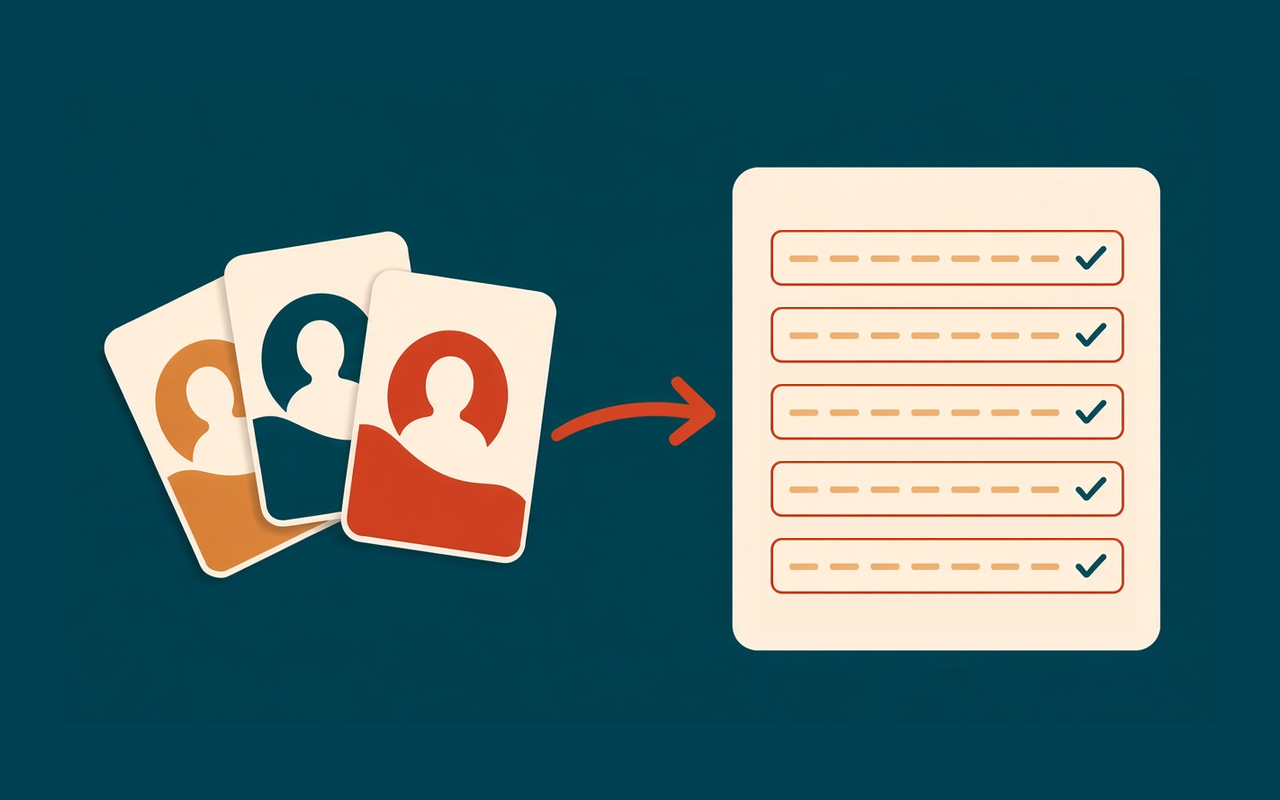
Profiles, ces ib nias
Nyem Sau nplooj ntawv no. Qhov txuas ntxiv muab cov npe, cov ntawv sau, thiab cov chaw tso khoom, tom qab ntawd ntaus cov txiaj ntsig raws li tus neeg xav tau, yog li lub xaib lees txais lawv.
Khaws cov ntaub ntawv hauv tsev, chaw ua haujlwm, thiab cov neeg siv khoom sib nrug. Luam ib qhov profile thaum ob ntawm lawv sib koom feem ntau ntawm tib thaj chaw.
Ntxiv ib daim teb uas tsim-hauv daim ntawv tsis muaj. Yog tias lub vev xaib siv cov ntawv cim khib, muab cov lus tseem ceeb kom tus nqi yeej dhau qhov kwv yees.
Sau daim ntawv ntev los ntawm tes? Txuag los ntawm nplooj ntawv luam cov txiaj ntsig rau hauv qhov profile xaiv, lossis muab khaws cia tom qab koj ntaus ntawv.
Ctrl+Shift+U sau rau nplooj ntawv tam sim no. Txoj cai-nias ntawv qhia zaub mov tuaj yeem sau rau nplooj ntawv lossis ntxig ib daim teb.
Profiles nyob hauv Chrome khaws cia hauv qhov browser no. Sau ib nplooj ntawv tsis upload daim ntawv lossis koj cov ntsiab lus.
Yooj yim los ntawm kev tsim
Ib qho Chrome txuas ntxiv rau cov neeg uas ntaus tib cov ntaub ntawv sib cuag mus rau hauv kev kos npe, kos tawm, thiab daim ntawv thov. Qhov profile nyob twj ywm hauv qhov browser.
Chrome Web Store
“Kuv khaws ib qhov profile rau txhua tus neeg siv khoom. Checkout nres yog txoj haujlwm luam tawm.”
“Daim ntawv thov ntev tseem xav tau saib, tab sis lub npe thiab chaw nyob twb muaj lawm.”
“Ib hnub token muab txhua qhov kev sau npe sib txawv ntawm tus nqi yam tsis tau kho qhov profile.”
“Txuag los ntawm nplooj ntawv rub tawm yam kuv nyuam qhuav ntaus, yog li daim pib tom ntej pib puv.”
Peb kauj ruam ceev
Nruab Autofill Forms, nyem qhov ntawv qhia zaub mov puzzle, thiab pin lub icon kom nws nyob twj ywm ntawm lub toolbar.
Ntaus koj lub npe, email, xov tooj, thiab chaw nyob rau hauv qhov profile default. Ntxiv cov kev cai teb yog tias lub xaib nug rau lwm yam.
Qhib daim foos thiab nias Sau nplooj ntawv no, lossis siv Ctrl+Shift+U. Txheeb xyuas cov ntsiab lus tseem ceeb ua ntej koj xa.
Cov lus teb ua ntej koj nruab
Tsis yog. Profiles npog cov ntsiab lus ntawm kev sib cuag, chaw nyob, thiab kev cai teb koj ntxiv. Siv Chrome tus thawj tswj tus password rau tus password.
Qhib qhov chaw uas hla cov teb uas twb muaj cov ntawv nyeem. Cov teb uas muaj nyob rau thaum koj tso lawv.
Hauv qhov browser no, hauv qhov txuas ntxiv qhov chaw khaws cia hauv zos. Lawv tsis raug xa mus rau peb cov servers. Export ib JSON cov ntaub ntawv yog tias koj xav tau ib daim qauv koj tuaj yeem txav mus.
Cov nplooj ntawv ib txwm muaj, suav nrog cov ntawv hauv cov thav ntawv. Chrome thaiv kev txuas ntxiv ntawm nws tus kheej nplooj ntawv sab hauv thiab ntawm Chrome Web Store.
Qhov kev pab cuam no muaj nyob rau ntawm Windows thiab Linux, Command+Shift+U ntawm Mac. Hloov nws los ntawm qhov txuas luv luv hauv qhov popup, uas qhib Chrome nplooj ntawv luv.
Yog lawm. Txhua qhov profile muaj nws qhov chaw thiab cov cai. Xaiv qhov profile hauv qhov popup ua ntej koj sau.